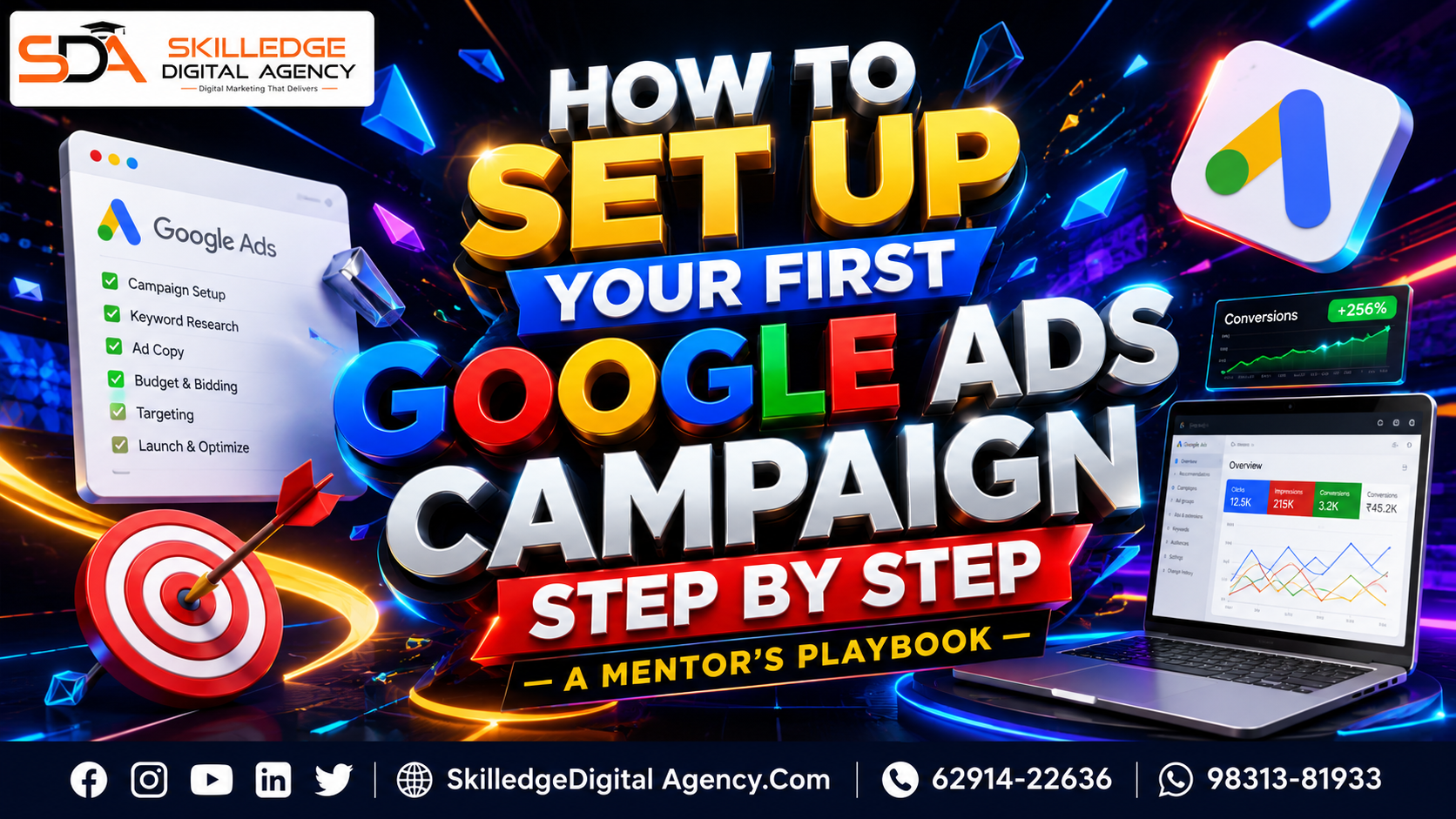
When you’re figuring out how to set up your first Google Ads campaign step by step, the biggest mistake is thinking it starts inside Google Ads. It doesn’t. It starts with the business outcome you want, the offer you’re promoting, the landing page that must convert, and the measurement system that will tell us whether the spend is actually working. That’s the Skilledge Digital Agency approach: we don’t launch ads to “get traffic”; we launch campaigns to create profitable learning.
If you’re new to paid search, this guide will feel like having a mentor sitting beside you, pointing out the settings that matter, the settings that don’t, and the shortcuts beginners usually miss. I’ll walk you through Google Ads account setup, campaign creation, keyword planning, ad writing, tracking, and the first 14 days after launch. We’ll also use the latest Google Ads best-practice direction around automation, Smart Bidding, and Performance Max so your beginner Google Ads campaign doesn’t fight the platform; it works with it.
Why beginners struggle: How to set up your first Google Ads campaign step by step
A first-time advertiser usually believes Google Ads is a simple “pay and play” system. In reality, it’s more like opening a retail store in a massive mall: if your signage is weak, your shelves are confusing, your cashier is slow, and you don’t know which customers came in and bought, you’ll burn money quickly.
The main reason beginners struggle is that the platform offers too many choices at once, and some of the defaults are designed to make setup fast, not necessarily optimal. Google’s own setup flow starts by asking for business information, goals, and billing, and then guides you into a campaign, which is useful for speed but can hide strategic decisions if you rush. On top of that, modern Google Ads is increasingly shaped by automation, so if your conversion tracking is weak, the algorithm has poor signals and the campaign learns the wrong lessons.
At Skilledge Digital Agency, we treat the first campaign like a learning system, not a one-time launch. The goal isn’t perfection on day one. The goal is to build a clean structure that can improve every week. That’s why our Google Ads campaign guide always begins with foundations: business model, conversion goal, audience, landing page, and measurement.
What to prepare first: How to set up your first Google Ads campaign step by step
Before you create a campaign, collect the assets that make the rest of the process easier. This is where many beginners lose time because they jump into setup with no plan, then go back and forth fixing incomplete details.
Here’s what should be ready before you open the account:
A clear goal: sales, lead generation, sign-ups, phone calls, or store visits.
A dedicated landing page for the main offer.
Your business name, website URL, and billing details for Google Ads account setup.
Access to Google Analytics 4, Google Tag Manager, and your website backend.
A conversion action you can trust, such as a thank-you page, purchase event, or qualified lead event.
Creatives such as headlines, descriptions, logos, and images if you plan to use Performance Max or Display.
A basic negative keyword list so the campaign doesn’t start broad and messy.
This preparation is not optional. Google’s setup flow lets new users begin by adding business information, then campaign goals and budget, and finally payment details, with conversion measurement offered during sign-up. That means the platform is basically asking you to decide the business logic before the ad ever runs. The better your prep, the less you’ll spend fixing confusion later.
Account setup done right: How to set up your first Google Ads campaign step by step
Your Google Ads account setup should be clean from the beginning, because account structure becomes harder to correct after several campaigns have already launched. If you’re working for a brand, I’d recommend creating the account under a company-controlled login, then using access roles properly. If you’re managing clients or planning to scale later, a manager account is even better for long-term organization.
Google’s sign-up process is intentionally streamlined: add business information, choose goals and budget, then enter payment details. That sounds simple, but don’t let simplicity make you careless. Make sure your billing country, time zone, and payment profile are correct, because those settings affect reporting and billing behavior. A wrong time zone can distort your daily performance view and cause bad decisions in the first week.
At Skilledge Digital Agency, we always check these items before launch:
Billing country and currency.
Time zone accuracy.
Payment method validity.
Connected accounts.
Admin access and backup access.
Conversion ownership and tag permissions.
If you’re building your first Google Ads campaign guide for a business, this is where the trust layer starts. A good account setup prevents problems that later look like “bad ads” but are actually measurement or admin issues.
Choosing the campaign goal: How to set up your first Google Ads campaign step by step
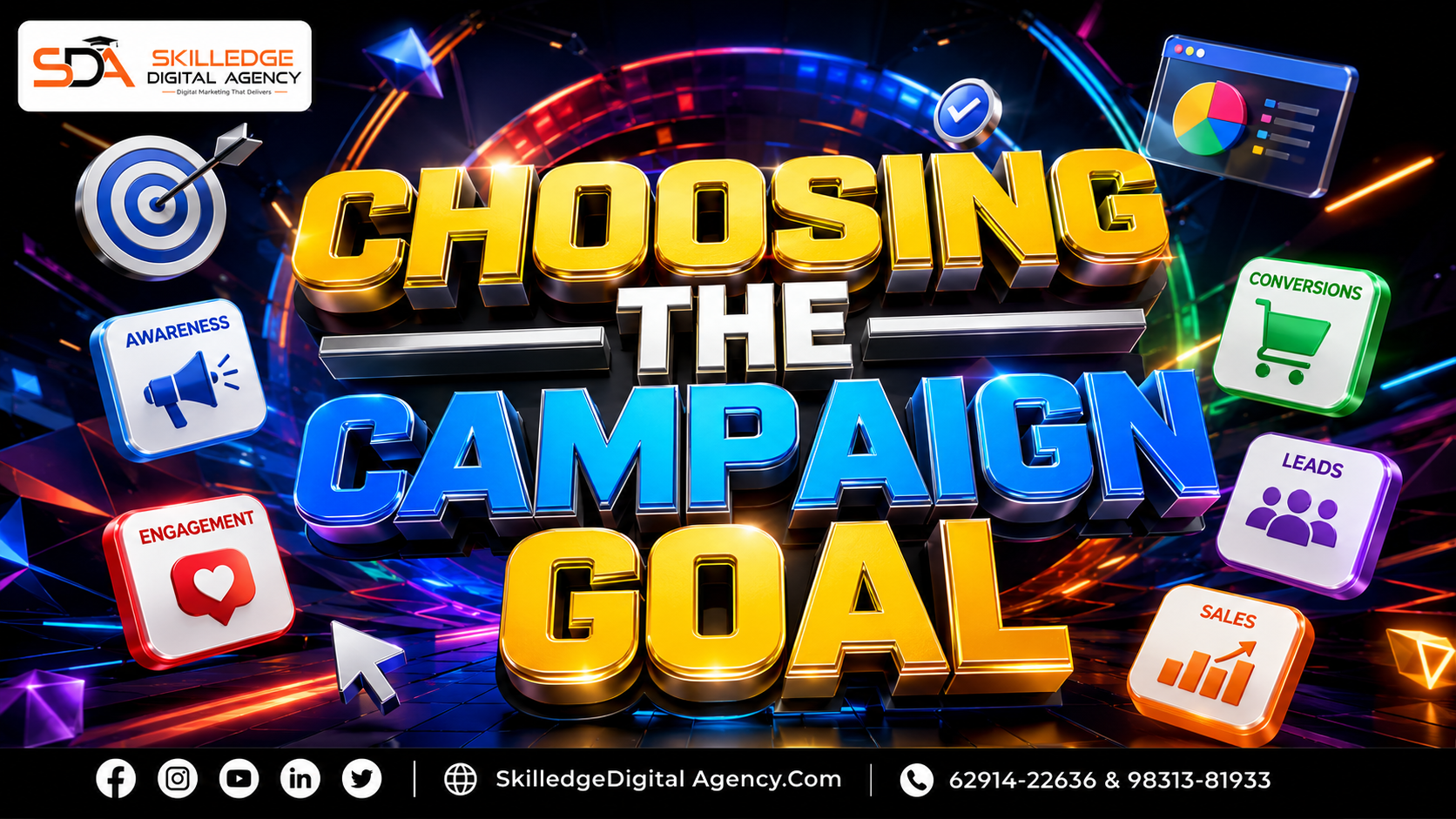
The campaign objective you choose shapes almost everything after it. Google’s campaign creation flow begins by asking for the advertising objective, then recommends campaign types based on that choice. For a beginner, this is one of the most important decisions in the whole process.
If your goal is sales, your campaign should be set up to find purchase-ready users, not just site visitors. If your goal is leads, the system should optimize toward forms, calls, or booked appointments. If your goal is brand visibility, then your success metrics will be different again. The mistake beginners make is choosing “traffic” because it sounds safe, then wondering why the campaign attracted many visitors but few conversions.
Here’s the simple mentor rule I use at Skilledge Digital Agency:
Use Sales when the website or ecommerce store has a clear purchase flow.
Use Leads when the business depends on form fills, calls, or appointments.
Use Awareness only when the business has a strong visibility goal and a larger budget for learning.
Use App promotion only if installs and in-app activity are your real outcome.
A beginner Google Ads campaign should not try to do everything at once. One campaign, one business outcome, one primary conversion. That discipline makes optimization much faster.
Picking the right campaign type: How to set up your first Google Ads campaign step by step
Once the objective is set, Google will ask you to pick a campaign type. This is where many people overcomplicate things. The right choice depends on what you’re selling and how ready your tracking is.
If you’re trying to capture active demand, Search is still the cleanest place to start. If you’re selling products and have a feed, Shopping or Performance Max may be the better path. Google’s newer guidance around Performance Max emphasizes automation, asset groups, and strong conversion signals, while also encouraging advertisers to use the system with structured measurement and audience data. That means automation can be powerful, but only if you feed it useful signals.
For first-time advertisers, here’s the practical view:
If your business is local or service-based, Search is often the best starting point. If you sell products online, a beginner Google Ads campaign may eventually include Search and Performance Max together. The key is to start with clarity, not channel overload.
Building campaign structure: How to set up your first Google Ads campaign step by step
Campaign structure is the skeleton of your account. If the skeleton is weak, the body won’t move properly. That’s why a clean structure matters more than clever ad copy in the beginning.
I prefer to structure campaigns by business intent, not by what feels easiest to name. For example:
Brand Search.
Non-Brand Search.
Shopping.
Performance Max.
Remarketing.
Within Search, we then group keywords by theme or product intent. A small campaign with a few tightly themed ad groups usually performs better than a huge campaign with messy keyword clusters. Why? Because the ad copy can match the search intent more closely, and your reporting becomes easier to understand.
At Skilledge Digital Agency, our default naming method is simple but scalable:
Agency | Objective | Channel | Geo | Offer | Month-Year
Example:
SKL | Sales | Search | Kolkata | Running Shoes | Jul-2026
That naming convention sounds minor, but it saves hours later when you’re analyzing a campaign guide across multiple accounts. It also helps when you collaborate with writers, designers, and analysts.
Keyword strategy for beginners: How to set up your first Google Ads campaign step by step
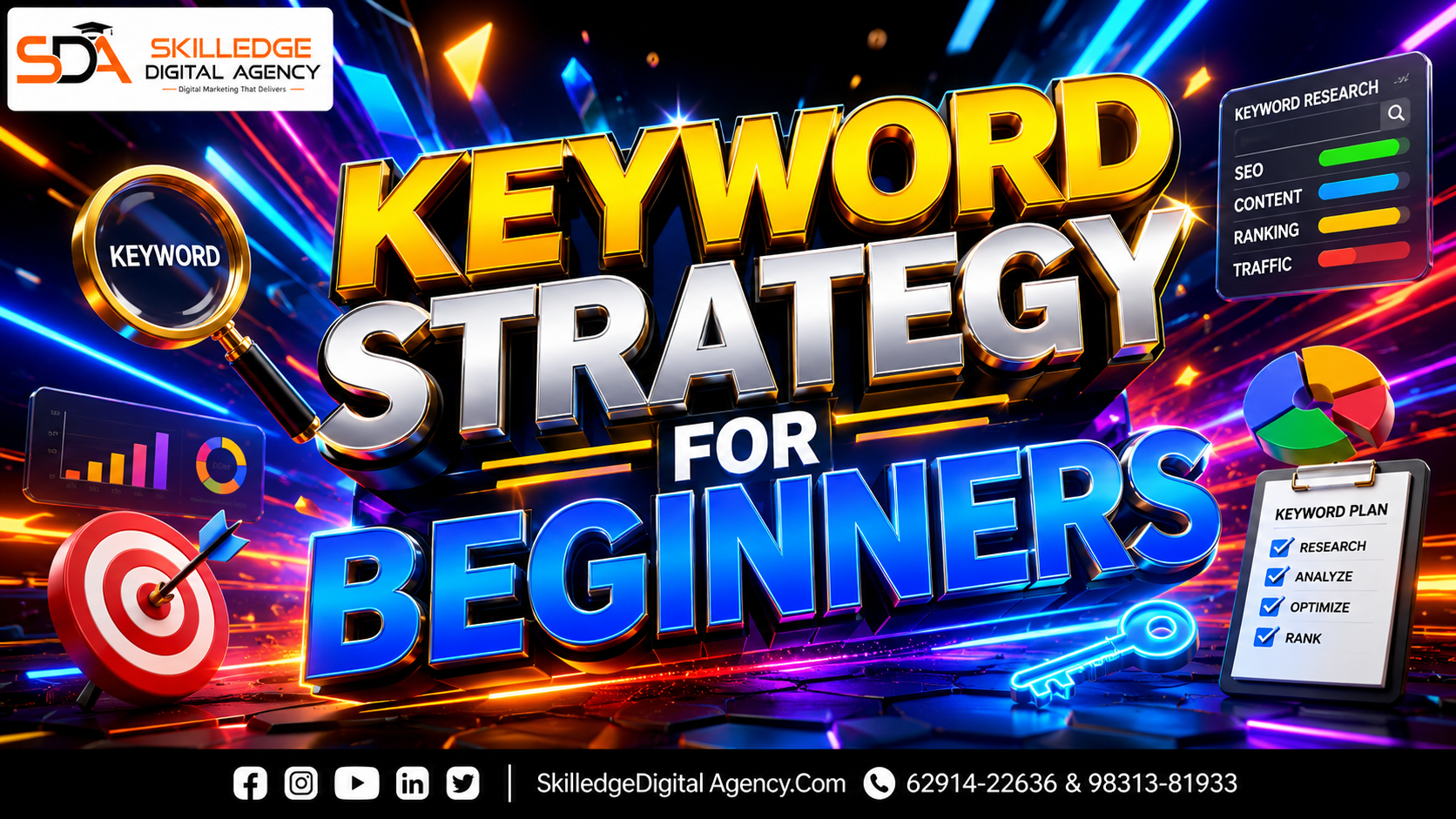
Keyword selection is where beginners either get too broad or too narrow. Too broad, and you pay for irrelevant clicks. Too narrow, and the campaign never gathers enough data to learn. The trick is to start with terms that clearly reflect commercial intent.
For a first campaign, I suggest thinking in three layers:
Core money keywords: terms people use when they are close to buying.
Problem-aware keywords: terms that reveal the pain point or use case.
Brand keywords: your own brand and product names.
If you’re running a lead-gen business, your keyword plan might include service + city, service + pricing, or service + consultation terms. If you’re ecommerce, it might include product type, product feature, or category terms. A strong Google Ads tutorial for beginners always reminds you that keywords aren’t just search terms; they’re buying signals.
Google’s modern guidance also points toward using automation thoughtfully, with broad match paired to Smart Bidding and strong audience/negative structures rather than treating match types like isolated kingdoms. That’s important because today’s Google Ads campaign setup is not the same as it was years ago. Broad match can work when the rest of the system is strong. It can fail badly when the account has no control.
Match types without confusion: How to set up your first Google Ads campaign step by step
Beginners often treat match types as a technical exam. They aren’t. They’re traffic filters.
Here’s the simplest way to think about them:
Exact match: tightest control, strongest relevance, lower volume.
Phrase match: a little broader, still intent-focused.
Broad match: widest reach, best when conversion tracking and Smart Bidding are mature.
For your first campaign, don’t force broad match if your account has no conversion history and no negative keyword discipline. If you do use it, protect it with strong bidding signals and careful search term review. Google’s current best practices lean toward automation and broader query discovery, but only when conversion measurement and audiences are robust.
At Skilledge Digital Agency, we usually start beginners with a conservative structure and then expand once we see real search data. That allows the campaign to behave like a controlled experiment rather than a lottery.
Writing ads that earn clicks: How to set up your first Google Ads campaign step by step
Ad copy is where your strategy becomes visible. A good ad does not simply repeat the keyword. It makes a promise, shows relevance, and gives the searcher a reason to choose you over everyone else on the results page.
Responsive Search Ads are now central to a modern Google Ads campaign guide because they let Google mix and test different headline and description combinations. That doesn’t mean we throw random lines into the ad and hope for the best. It means we write structured, useful messages that cover pain point, offer, proof, and action.
A simple ad framework:
Headline 1: Core keyword or offer.
Headline 2: Primary benefit.
Headline 3: Differentiator or trust cue.
Description 1: Explain the value.
Description 2: Reduce friction with an action step.
For example, if you’re selling an online course, your headlines might mention the course topic, the result, and a limited-time enrollment incentive. If you’re running a local service, your ad should answer the searcher’s immediate need and make the next step obvious.
At Skilledge Digital Agency, we tell clients: the ad is not a brochure, it’s a bridge. It needs to take the user from curiosity to click without sounding fake, vague, or too salesy.

Extensions that improve trust: How to set up your first Google Ads campaign step by step
Ad extensions, now called assets in many places, make your ads bigger, more useful, and more clickable. They also help users evaluate your business faster.
For most beginners, the most useful assets include:
Sitelinks.
Callouts.
Structured snippets.
Call assets.
Location assets.
Image assets, where available.
Google’s own setup guidance and beginner resources include ad creation and launch support, and strong asset usage is part of that practical setup flow. Extensions are not decorations. They are trust multipliers.
Think of them like the extra shelves and signboards outside a store. The storefront is your headline. The shelves are the sitelinks. The testimonials and guarantees are your callouts. The more clarity you give, the less hesitation you create.
Landing pages that convert: How to set up your first Google Ads campaign step by step
A good Google Ads tutorial for beginners should always spend time on the landing page, because that’s where paid traffic either becomes revenue or disappears.
Your landing page should match the ad promise exactly. If the ad says “free consultation,” the page must show that promise immediately. If the ad mentions a specific product category, the page should not dump people onto the homepage and ask them to hunt. Relevance matters because paid traffic has almost no patience.
A strong landing page usually has:
One clear headline.
One clear CTA.
Fast load speed.
A short explanation of the offer.
Trust signals such as reviews, guarantees, or client logos.
Minimal friction in forms or checkout.
At Skilledge Digital Agency, we often audit the landing page before the campaign ever goes live. Why? Because if the page is weak, the campaign gets blamed for a conversion problem it didn’t create. That’s a classic beginner trap. Google Ads can only amplify the quality of what it sends traffic to.
Tracking that tells the truth: How to set up your first Google Ads campaign step by step
If you only remember one thing from this article, remember this: without tracking, Google Ads is guesswork. And guesswork is expensive.
Google’s setup resources explicitly mention conversion measurement as part of account creation or early setup, because the platform needs action signals to optimize properly. In modern campaigns, that means tracking not just clicks, but valuable actions like purchases, qualified leads, calls, or booked appointments. If the conversion data is wrong, your bidding decisions will be wrong too.
What should you track first?
Purchases or transaction value for ecommerce.
Form submissions for lead generation.
Phone calls, if calls matter to the business.
Bookings, demo requests, or quote requests for service businesses.
If possible, use Google Tag Manager to manage tags cleanly. Then connect Google Ads with Google Analytics 4 and, when relevant, import offline conversions from your CRM. Recent best-practice guidance also emphasizes enhanced conversions and better value signals so Smart Bidding can learn from more complete data.
At Skilledge Digital Agency, we call this the “signal layer.” If the signal layer is poor, even a smart campaign behaves like a confused intern.
Bidding that fits a first campaign: How to set up your first Google Ads campaign step by step
Bidding is where beginners often get scared and overthink. The truth is, the best bidding choice depends on how much conversion data you already have.
If your account is brand new, a simple learning-friendly option is usually best. If you already have clean conversion data, automated bidding can work faster. Google’s current ecosystem strongly favors Smart Bidding and AI-supported optimization when the account has strong signals and enough history.
Here’s the practical hierarchy:
Start with a simple bid strategy that fits your data maturity.
Use Maximize Conversions if you want volume and have reliable conversion tracking.
Move toward Target CPA when you know the lead or sale value range.
Move toward Target ROAS when revenue data is stable.
For a beginner Google Ads campaign, the biggest mistake is trying to be too clever too early. Give the system a sensible budget, a real conversion, and enough time to learn. Then optimize based on data, not panic.
Budgeting like a strategist: How to set up your first Google Ads campaign step by step
Budget is not just a number. It’s a learning input. A small budget can still work, but it must be large enough to collect meaningful data. If the budget is too tiny, the campaign won’t get enough clicks or conversions to teach you much.
A good starting budget depends on the niche, competition, and conversion value. If the product margin is high, you can spend more to learn faster. If the lead value is high, you can justify a stronger test budget. The wrong move is assigning a budget so low that the campaign barely gathers impressions, then declaring Google Ads “doesn’t work.”
A useful rule at Skilledge Digital Agency is this:
Enough budget to get consistent daily data.
Enough runway to test for at least 2 weeks.
Enough discipline to avoid changing everything every 24 hours.
That last point matters. Beginners often keep tweaking settings before the campaign has stabilized. Give the system time to collect behavior patterns.
The launch checklist
Before you press launch, I want you to pause and verify a few non-negotiables.
Your launch checklist should include:
Conversion tracking is tested.
Final URLs are correct.
Ad copy is approved and matches landing pages.
Negative keywords are added.
Budget and bidding settings are confirmed.
Location and language targeting are correct.
Assets and extensions are in place.
Billing is active and payment method works.
Google’s campaign creation flow is designed to move users from objective to campaign settings to launch, which is helpful, but beginners sometimes skip validation because the platform looks “ready”. Don’t do that. A clean launch saves money and frustration.
The Skilledge Digital Agency rule is simple: launch slowly, learn quickly.
First 14 days after launch: How to set up your first Google Ads campaign step by step
The first two weeks are where your beginner Google Ads campaign starts telling the truth. During this period, don’t obsess over one metric in isolation. Look at the pattern.
Days 1 to 3:
Confirm impressions, clicks, spend, and conversion tracking.
Check search terms for obvious waste.
Fix broken links or tracking errors immediately.
Days 4 to 7:
Add negatives.
Review ad engagement.
Check device, geo, and time-of-day trends.
Compare search terms to landing page intent.
Days 8 to 14:
Identify winning themes.
Consolidate weak ad groups.
Improve headlines and descriptions.
Consider budget shifts toward the best-performing parts.
Recent guidance around modern Google Ads optimization repeatedly points toward structured monitoring, learning, and better use of automation rather than “set and forget” marketing. That matches what we see in practice at Skilledge Digital Agency. The first 14 days are less about scaling and more about reading the room.

Common beginner mistakes
There are a few errors we see over and over again when someone tries to learn how to create a Google Ads campaign by themselves.
Launching without tracking.
If you can’t measure the outcome, you can’t optimize the campaign.Sending ads to the homepage.
Search intent is specific. The page should be specific too.Using too many keywords too soon.
Keep the first structure tight enough to learn from.Ignoring negative keywords.
This is one of the fastest ways to waste budget.Changing bids and budgets too often.
Campaigns need time to stabilize.Treating automation like magic.
AI can help, but it still needs clean signals and strategic guardrails.
At Skilledge Digital Agency, we don’t call these beginner mistakes because beginners are bad. We call them beginner mistakes because everyone makes them once unless they have the right mentor.
How Performance Max fits in
Performance Max deserves a special mention because it’s now part of many modern launch plans. Google’s newer guidance positions it as an AI-powered campaign type that uses automation across channels, assets, and signals. That can be powerful, especially if you have a feed, good creative, and strong conversion tracking.
But here’s the mentor truth: Performance Max is not the first thing every beginner should master. If your tracking is weak or your offer is unclear, PMax can amplify confusion. If your data is strong, it can become a serious growth lever.
Use Performance Max when:
You have conversion tracking set up properly.
You have decent asset quality.
You can provide clear audience signals.
You’re willing to monitor the campaign actively.
For ecommerce brands, Performance Max can sit alongside Search. For service businesses, Search often comes first, and PMax can be tested after the fundamentals are working. That’s the strategic balance we prefer at Skilledge Digital Agency.
A beginner example
Let’s make this practical.
Imagine a Kolkata-based fitness equipment store launching its first campaign. The goal is online sales. The store has one landing page for home workout equipment and a strong product feed.
A sensible beginner structure might look like this:
Brand Search campaign.
Non-brand Search campaign for category terms.
Shopping or Performance Max for product discovery.
Remarketing campaign for visitors who didn’t buy.
The business would start with conversion tracking, correct billing, and a budget that can generate enough traffic to learn. The ad copy would highlight product benefits, shipping, trust, and availability. The landing page would show the most relevant products and a strong checkout path.
That’s not fancy. That’s effective. A beginner Google Ads campaign wins by being clear enough to measure, not clever enough to impress other marketers.

How Skilledge Digital Agency teaches this
Skilledge Digital Agency doesn’t teach Google Ads like a software menu. We teach it like a growth system. That means we focus on the sequence: business clarity, conversion readiness, campaign structure, creative quality, tracking, optimization, and scaling.
When we mentor students or clients, we emphasize three questions:
What business result matters most?
What signal will prove the campaign is working?
What part of the setup can we simplify without hurting performance?
This is why our Google Ads campaign guide always connects the technical setup to the business story. You’re not just clicking buttons. You’re building a revenue engine. And if you understand the engine, you can fix it faster when something slips.
We also keep the learning process practical. For example, instead of telling you to memorize every menu, we show you how to create a Google Ads campaign with clean naming, reliable tagging, and one conversion goal at a time. That’s how confidence grows.
Final mentor advice
If you’re just starting and want the shortest possible version of the lesson, here it is: focus on clarity before complexity. Get the account setup right, choose one business goal, track one valuable conversion, write one strong ad message, and send traffic to one focused landing page. That is the simplest way to build a beginner Google Ads campaign that has a real chance to work.
The platform will keep evolving, especially with automation, Smart Bidding, and broader AI-assisted discovery becoming more central to how campaigns run. But the core logic doesn’t change: relevance, measurement, and disciplined testing still win. If you respect those principles, you’ll avoid most expensive mistakes and move much faster than people who launch blindly.
At Skilledge Digital Agency, we believe your first campaign should teach you something useful, not just spend money. That’s the real purpose of a Google Ads tutorial for beginners: to turn uncertainty into a repeatable process.
Skilledge Digital Agency

What Skilledge Digital Agency delivers for your brand
| Service / Feature | What you get | Included in |
|---|---|---|
Search Engine Optimization (SEO) | ||
Technical SEO Audit Site speed, crawlability, Core Web Vitals, schema markup | Faster rankings, zero penaltiesFull technical overhaul with monthly monitoring | All Plans |
Keyword Strategy & Mapping Competitor gap analysis + intent-based clustering | Traffic that convertsTarget buyers, not browsers | All Plans |
Authority Link Building White-hat backlinks from DA 40+ real publishers | Domain authority growthSustainable, Google-safe link profile | Growth+ |
Local & Hyperlocal SEO GMB optimization, citations, local schema | Dominate “near me” searchesMap pack visibility + local trust signals | All Plans |
Paid Advertising (PPC & Meta) | ||
Google Ads Management Search, Display, Shopping & Performance Max | 3–5× ROAS targetExpert bid strategy + A/B ad copy testing | Growth+ |
Meta / Instagram Ads Audience targeting, retargeting funnels, creative testing | Lower CPL, higher CTRFull-funnel Meta campaigns built to scale | Growth+ |
Landing Page Optimization CRO-focused pages designed to convert ad traffic | Higher Quality ScoreReduced bounce, better ad relevance | Elite |
Content Marketing | ||
SEO Blog & Article Writing Long-form, E-E-A-T optimized, topic cluster strategy | Organic traffic engineContent that ranks and drives leads for months | All Plans |
Short-form Video & Reels Script, shoot guidance, editing & platform optimization | Viral-ready contentBuilt for TikTok, Instagram & YouTube Shorts | Growth+ |
Content Calendar & Strategy 30/60/90-day editorial plan aligned to business goals | Consistent brand voiceNever run out of ideas or miss a moment | All Plans |
Social Media Management | ||
Platform Management (5 channels) IG, FB, LinkedIn, X, YouTube — posting & community | Active, engaged audienceDaily management + comment/DM response | Growth+ |
Social Media Analytics Reach, engagement rate, follower growth tracking | Data-backed decisionsMonthly performance deck with insights | All Plans |
Influencer Collaboration Micro to macro influencer identification & outreach | Social proof at scaleAuthentic reach to new, targeted audiences | Elite |
Email & CRM Marketing | ||
Email Campaign Management Design, copy, list segmentation & automation flows | 40%+ open ratesPersonalized sequences that nurture and close | Growth+ |
Marketing Automation Lead nurture, cart abandonment, re-engagement drips | Revenue on autopilotWorks 24/7 to move leads down the funnel | Elite |
Analytics, Reporting & Strategy | ||
Monthly Performance Reports Custom dashboards: traffic, leads, ROAS, rankings | Full transparency, no fluffKnow exactly what’s working and why | All Plans |
GA4 + Search Console Setup Full tracking configuration, event goals, attribution | Zero tracking blind spotsAccurate data from day one | All Plans |
Competitor Intelligence Quarterly deep-dive: gaps, opportunities, market share | Stay 3 steps aheadKnow what rivals do before they scale it | Elite |
Website & Conversion | ||
CRO — Conversion Rate Optimization Heatmaps, A/B tests, UX fixes, form optimization | More leads, same trafficTurn visitors into enquiries without extra ad spend | Elite |
Website Speed & Core Web Vitals Performance optimization, image compression, caching | Google loves fast sitesBetter UX, better bounce rate, better rankings | All Plans |
Ready to grow with Skilledge?Get a free audit & custom strategy — no obligation, no fluff. | ||
Skilledge Digital Agency
Phone/Whatsapp: +91 62914-22636 / 98313-81933
Email: Mktg@SkilledgeDigitalAcademy.Com
Website: www.skilledgedigitalacademy.com/services/
Get Directions | Facebook | Twitter | Instagram | Linkedin