
Creating a website today is easier than ever, but building one that attracts visitors, generates leads, and grows a business requires a structured approach. If you’re searching for how to create a wordpress website, you’re probably looking for more than just installing a theme and publishing a few pages.
At Skilledge Digital Academy, we’ve worked with students, freelancers, entrepreneurs, and business owners who wanted to establish a strong digital presence. One thing we’ve learned is that a successful website isn’t built by accident. It is planned strategically from the beginning.
Many beginners focus only on design. Professionals focus on user experience, content architecture, search engine visibility, performance, conversions, and scalability.
In this comprehensive guide, we’ll walk through the exact process professionals use to build modern WordPress websites that are designed for growth.
Why WordPress Continues to Dominate Website Development: How to create a WordPress Website
Before diving into the technical setup, it’s important to understand why WordPress remains the preferred platform worldwide.
WordPress powers millions of websites because it offers:
- Flexibility
- Scalability
- SEO friendliness
- Extensive plugin ecosystem
- User-friendly content management
- Cost-effective website management
Whether you’re building a portfolio, business website, blog, agency website, eCommerce store, educational platform, or lead-generation funnel, WordPress provides a solid foundation.
This is one reason students at Skilledge Digital Academy learn WordPress as a core component of digital marketing and website development.
How to Build a WordPress Website with a Strategic Foundation: How to create a WordPress Website
Most tutorials start with purchasing hosting.
We start earlier.
Before purchasing anything, define:
Website Purpose
Ask yourself:
- Is it a business website?
- Is it a blog?
- Is it an online store?
- Is it a portfolio?
- Is it a lead-generation website?
Without a clear objective, every future decision becomes difficult.
Define Your Audience
A website for lawyers looks different from a website for photographers.
Consider:
- Visitor age
- Industry
- Problems
- Search behavior
- Buying intent
Determine Success Metrics
Successful websites measure:
- Leads generated
- Sales completed
- Calls received
- Newsletter subscriptions
- Consultation bookings
This strategic planning stage is often skipped by beginners but emphasized heavily at Skilledge Digital Academy.

How to Make a WordPress Website That Builds Trust Instantly
Visitors decide within seconds whether to trust your website.
Your website should include:
Professional Branding
Essential branding elements include:
- Logo
- Brand colors
- Typography
- Consistent visual identity
Clear Messaging
Visitors should immediately understand:
- What you offer
- Who you help
- Why you’re different
Social Proof
Add:
- Testimonials
- Reviews
- Case studies
- Certifications
- Client logos
Trust-building elements often have a greater impact on conversions than design itself.
How to Set Up a WordPress Website from Scratch: How to create a WordPress Website
Now let’s move into implementation.
Step 1: Purchase a Domain Name
Your domain should be:
- Short
- Memorable
- Brandable
- Easy to spell
Avoid:
- Hyphens
- Numbers
- Long phrases
Examples:
- YourBrand.com
- DigitalGrowthHub.com
- MarketingAcademy.com
Domain Naming Best Practices
Choose names that:
- Reflect your business
- Support future growth
- Are easy to pronounce
Step 2: Select Quality Hosting
Hosting impacts:
- Website speed
- Security
- SEO performance
- User experience
Look for hosting providers that offer:
- SSD storage
- Daily backups
- SSL certificates
- Fast support
- High uptime
Many beginners purchase cheap hosting and later suffer from performance issues.
Step 3: Install WordPress
Most hosting providers offer one-click WordPress installation.
After installation:
- Set administrator credentials
- Enable SSL
- Verify website access
Congratulations—you’ve completed the technical foundation of how to create a wordpress website.
How to Create a Website Using WordPress with Proper Structure
Before installing plugins and themes, create a logical structure.
Essential pages include:
Home Page
The homepage should communicate:
- Your value proposition
- Key services
- Trust signals
- Calls to action
About Page
Share:
- Your story
- Mission
- Experience
- Expertise
Services Page
Clearly explain:
- What you offer
- Benefits
- Deliverables
Contact Page
Include:
- Contact forms
- Phone numbers
- Email addresses
- Maps
Blog Section
A blog helps:
- Generate traffic
- Improve SEO
- Build authority
This is where digital marketing strategy and WordPress intersect.
How to Build Your Own WordPress Website with the Right Theme
Themes determine design and functionality.
When selecting a theme:
Choose one that is:
- Mobile responsive
- Lightweight
- SEO friendly
- Regularly updated
Popular choices include:
- Astra
- GeneratePress
- Kadence
- Blocksy
Avoid themes overloaded with unnecessary features.
Website speed matters.
How to Use WordPress to Build a Website Without Coding: How to create a WordPress Website
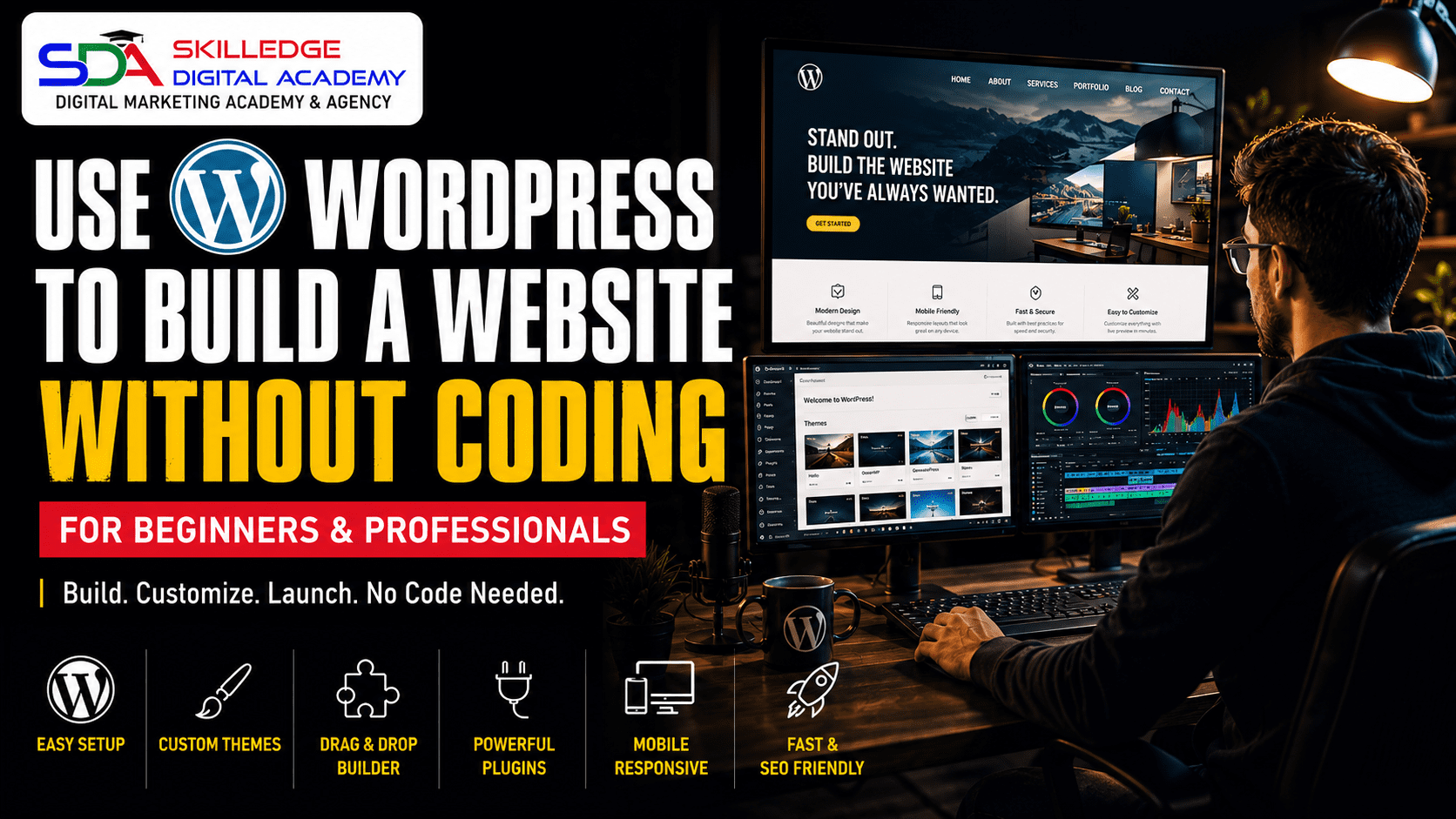
Modern WordPress allows visual website creation.
Popular page builders include:
Elementor
Ideal for:
- Beginners
- Marketers
- Agencies
Gutenberg
Ideal for:
- Fast websites
- SEO performance
- Native WordPress functionality
Bricks Builder
Popular among developers and advanced users.
Students at Skilledge Digital Academy often begin with Elementor before learning advanced website-building techniques.
Essential Plugins Every WordPress Website Needs: How to create a WordPress Website
Plugins expand website functionality.
Install only what you truly need.
Recommended categories include:
SEO Plugins
Examples:
- Rank Math
- Yoast SEO
Security Plugins
Examples:
- Wordfence
- Sucuri
Backup Plugins
Examples:
- UpdraftPlus
- BackupBuddy
Performance Plugins
Examples:
- LiteSpeed Cache
- WP Rocket
Form Plugins
Examples:
- WPForms
- Fluent Forms
A clean plugin environment improves performance significantly.
WordPress How to Build a Website That Ranks on Google: How to create a WordPress Website
Many websites look attractive but fail to generate traffic.
SEO should be integrated from the beginning.
Keyword Research
Understand:
- Search intent
- Competition
- User behavior
Focus on:
- Informational keywords
- Commercial keywords
- Transactional keywords
On-Page SEO
Optimize:
- Titles
- Meta descriptions
- URLs
- Images
- Internal links
Content Strategy
Create content that solves real problems.
Google increasingly rewards expertise and helpfulness.
This aligns perfectly with the educational philosophy at Skilledge Digital Academy.
How to Build My Website on WordPress with Mobile-First Design: How to create a WordPress Website
More than half of website visitors use mobile devices.
Your website should:
- Load quickly
- Display properly
- Offer easy navigation
Test across:
- Smartphones
- Tablets
- Desktops
A responsive experience directly impacts conversions.
How to Create a WordPress Website for Beginners Without Common Mistakes
Beginners often make avoidable errors.
Mistake #1: Ignoring Website Goals
Every page should support business objectives.
Mistake #2: Choosing Poor Hosting
Cheap hosting often creates long-term problems.
Mistake #3: Installing Too Many Plugins
Excessive plugins can:
- Slow websites
- Create conflicts
- Increase security risks
Mistake #4: Neglecting SEO
SEO should begin before content creation.
Mistake #5: Ignoring Analytics
Data reveals:
- Visitor behavior
- Traffic sources
- Conversion opportunities

Building Content That Converts Visitors into Customers: How to create a WordPress Website
Traffic alone doesn’t guarantee success.
High-performing websites focus on conversion optimization.
Key elements include:
Clear Calls-to-Action
Examples:
- Book a Consultation
- Request a Quote
- Start Learning
- Contact Us
Strategic Forms
Keep forms simple.
Ask only for necessary information.
Trust Elements
Include:
- Reviews
- Certifications
- Awards
- Client success stories
Advanced Website Features Worth Considering
As your website grows, consider:
Live Chat
Improve engagement and support.
Marketing Automation
Automate:
- Emails
- Follow-ups
- Lead nurturing
CRM Integration
Manage customer relationships efficiently.
Learning Management Systems
Ideal for educators and trainers.
Skilledge Digital Academy demonstrates how educational businesses can leverage WordPress to deliver exceptional learning experiences.
Why Learning WordPress and Digital Marketing Together Creates Better Results: How to create a WordPress Website
Many website owners believe launching a website guarantees success.
It doesn’t.
A website requires:
- SEO
- Content marketing
- Social media
- Paid advertising
- Conversion optimization
This is why Skilledge Digital Academy teaches WordPress alongside practical digital marketing strategies.
A beautiful website without visitors is like a shop built in the middle of a desert.
A strategically optimized website becomes a lead-generation machine.

Final Thoughts
Learning how to create a wordpress website is no longer just a technical skill. It’s a business growth skill.
The most successful websites combine:
- Strong foundations
- Strategic planning
- User-focused design
- Search engine optimization
- Continuous improvement
Whether you’re launching your first website or rebuilding an existing one, the process outlined above will help you create a professional online presence that supports long-term success.
Throughout our experience at Skilledge Digital Academy, we’ve seen that students who understand both WordPress and digital marketing consistently outperform those who focus only on design.
Your website should not simply exist online.
It should actively work for your business every single day.
Frequently Asked Questions: How to create a WordPress Website
How long does it take to create a WordPress website?
A basic website can be built within a few days, while a fully optimized business website may take several weeks depending on complexity.
Is WordPress suitable for beginners?
Yes. WordPress is one of the most beginner-friendly website platforms available.
Do I need coding skills?
No. Modern themes and page builders allow visual website creation without coding knowledge.
Can WordPress help with SEO?
Absolutely. WordPress offers excellent SEO capabilities when combined with proper optimization strategies.
Should I learn WordPress before digital marketing?
Learning both together provides the strongest foundation for online business success.
Skilledge Digital Academy

Key Features at a Glance
| Feature | Details | Available |
|---|---|---|
| Free Demo Class | Experience a live session before committing | ✓ Yes |
| Live Online Training | Real-time classes with mentor interaction | ✓ Yes |
| 5+ Certifications | Google, Meta, HubSpot, SEMrush & more | ✓ Yes |
| 100% Placement Assistance | Resume review, mock interviews, referrals | ✓ Yes |
| Round the Clock Support | Mentor available 24/7 via WhatsApp & chat | ✓ Yes |
| Interview Preparation | Dedicated sessions + real interview simulations | ✓ Yes |
Training Modules Covered
Our curriculum is built for the 2026 industry:
| Module | What You’ll Master |
| SEO (Search Engine Optimization) | On-page, off-page, technical SEO & keyword strategy |
| SEM (Search Engine Marketing) | Paid search strategy, bidding, Quality Score optimization |
| SMO (Social Media Optimization) | Profile growth, organic reach, platform algorithms |
| SMM (Social Media Marketing) | Campaign strategy, content calendars, community building |
| Facebook & Instagram Ads | Meta Ads Manager, audience targeting, creative testing |
| Google Ads | Search, Display, Shopping, Performance Max campaigns |
| Website Development | WordPress, landing page design, CRO fundamentals |
| Graphic Designing | Canva, Adobe tools, social media creative design |
| Affiliate Marketing | Platforms, commission models, traffic monetization |
| Content Marketing | Blog strategy, copywriting, email marketing, funnels |
| AI Softwares & Tools | ChatGPT, Jasper, Midjourney, automation for marketers |
“Enroll in our 3 month live online Digital Marketing training today! Enjoy 90% practical sessions, round-the-clock support, and 100% placement assistance”.
Skilledge Digital Academy
Phone/Whatsapp: +91 62914-22636 / 98313-81933
Email: edu@skilledgedigitalacademy.com
Website: www.skilledgedigitalacademy.com
LinkedIn